Free Rocket to the Moon Simulator – Physics for K–5
What Is the Rocket to the Moon Mission Simulator?
The Rocket to the Moon Mission Simulator is a free, interactive physics game for K-5 students that models a real lunar launch. Students select their grade level, then adjust three variables: thrust, fuel load, and launch angle, before pressing “Ignite Engines” to see if their rocket reaches the Moon. The simulator is built around NASA’s Artemis II mission and teaches forces and motion through hands-on experimentation.
This Physics Friday activity runs directly in the browser, requires no setup or downloads, and adapts to different grade bands from kindergarten through fifth grade.
What Physics Concepts Does This Simulator Teach?
This simulator teaches three core physics concepts: thrust (the force pushing the rocket forward), gravity (the force pulling it back toward Earth), and fuel efficiency (how long the engine sustains thrust). Students discover that launch success depends on balancing all three variables. These are foundational forces-and-motion concepts aligned to NGSS standards for K-5.
By manipulating the sliders and observing results, students build an intuitive understanding of cause-and-effect relationships in physics before they encounter formal equations.
How Does the Artemis II Connection Work?
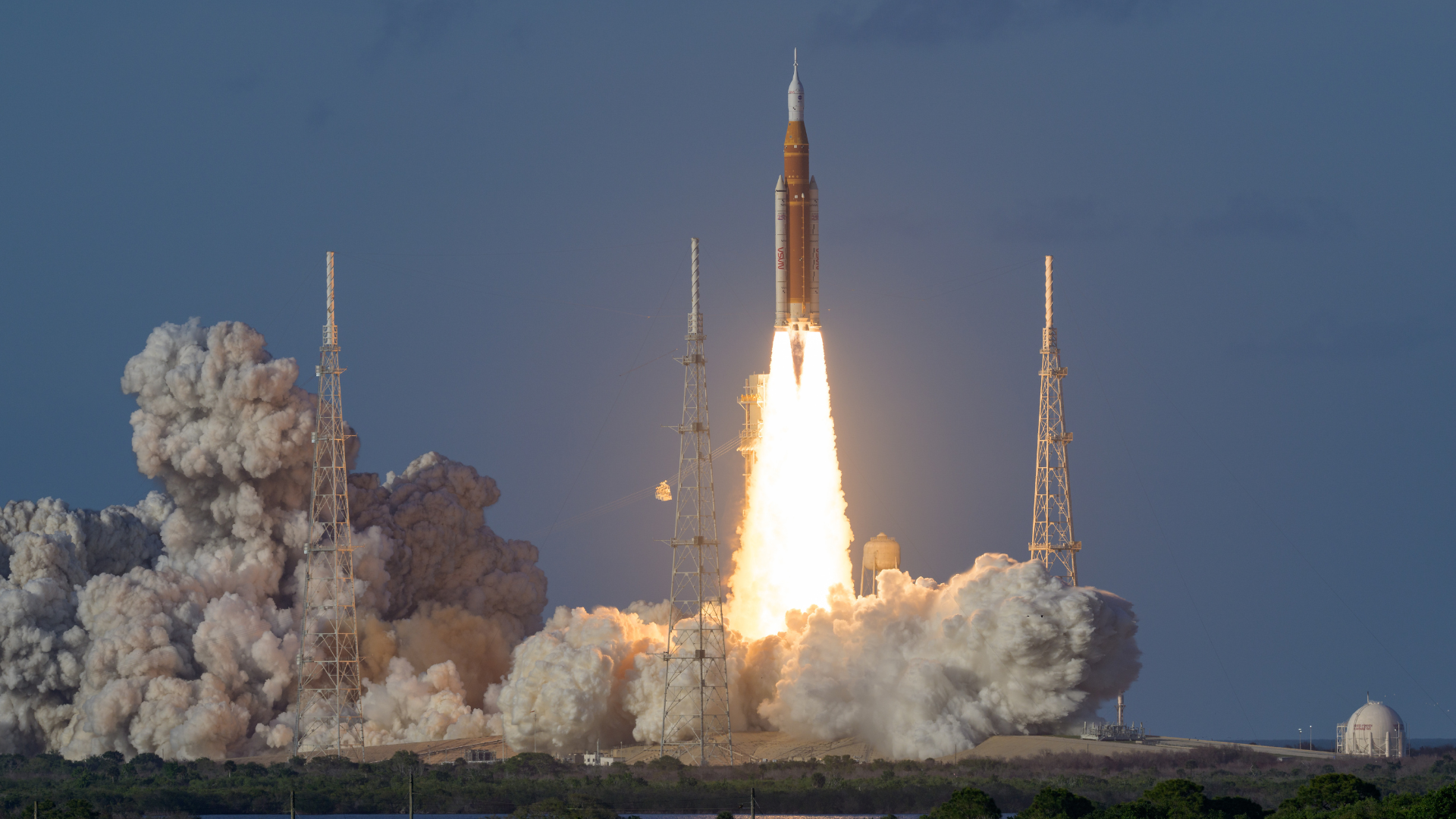
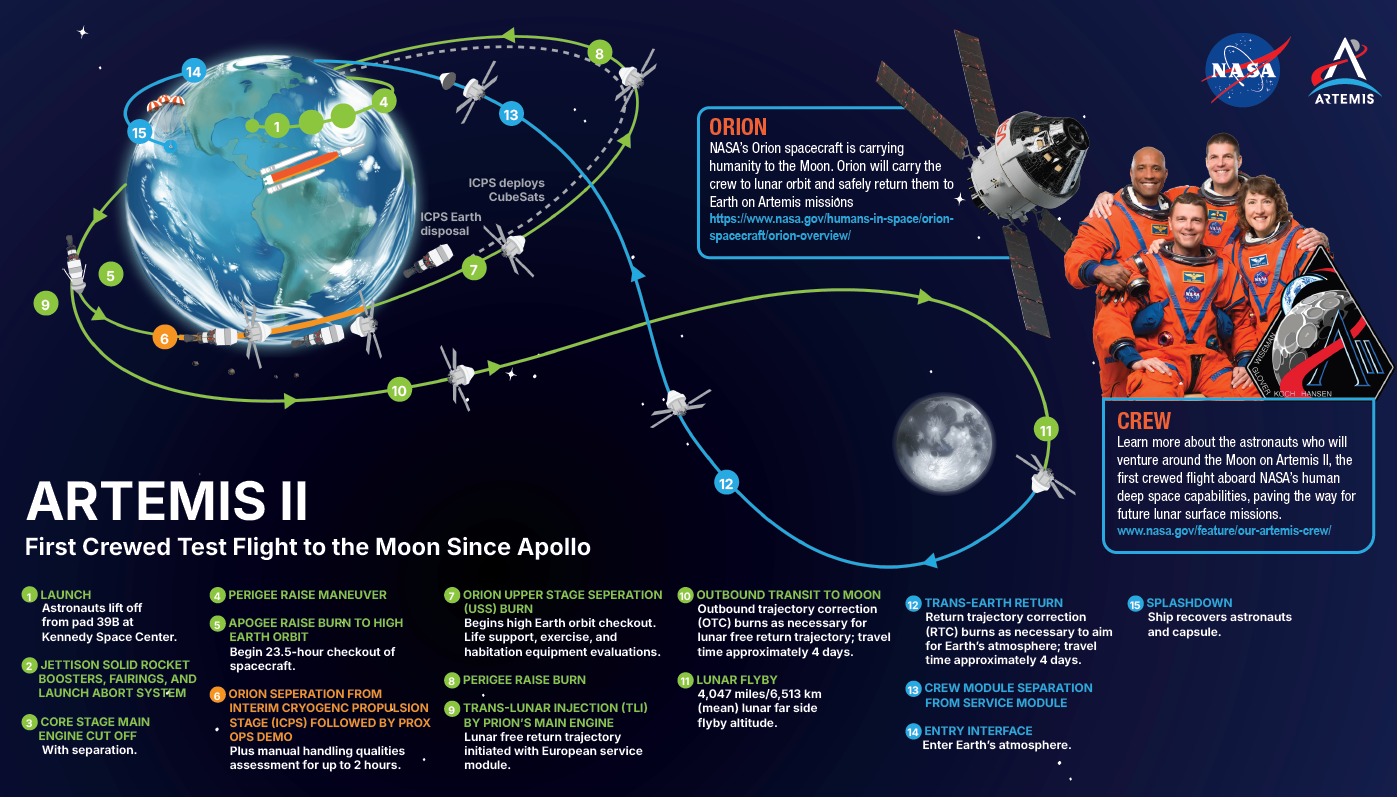
The simulator is modeled on NASA’s Artemis II mission, the first crewed lunar flyby since Apollo 17. Artemis II carries four astronauts around the Moon on an Orion spacecraft using a Space Launch System rocket. The simulator translates this real mission into an age-appropriate interactive, letting students explore the same physics challenges NASA engineers had to solve.
Teachers can pair this with This Month’s Artemis II news articles, Moon Flyby Physics Explained, or the official NASA live stream resource for a full cross-curricular unit.
How Do Teachers Use This in the Classroom?
Teachers can use this simulator as a standalone Physics Friday activity, a launch point for a forces-and-motion unit, or a live smartboard demonstration. Select the grade band, walk students through the three variables together, then let small groups experiment independently. No accounts, downloads, or preparation required: open the page and it’s ready.
For deeper engagement, ask students to log their variable settings and results in a data table and discuss what combinations worked and why.
What Grade Levels Is This Simulator Designed For?
The simulator is designed for K-5 students with differentiated difficulty across three grade bands: K-1, 2-3, and 4-5. Younger students work with simplified controls and visual feedback, while upper-elementary students engage with more variables and form testable hypotheses. All bands cover the same core concept: rockets need the right balance of thrust, fuel, and angle to reach orbit.
This makes it usable across mixed-grade classrooms, specials periods, and STEM coaching sessions without any modification.
Is This Activity Free?
Yes. The Rocket to the Moon Mission Simulator is completely free. No login, subscription, or download is required. The simulator is part of a growing library of Physics Friday activities on This Month™, a curriculum-aligned publication from THENCE LLC that brings current events and interactive STEM content to K-5 classrooms.
Each activity is designed to make complex science concepts accessible and engaging for young learners. Schools wanting access to the full library of activities, lesson plans, and differentiated readers can explore the Licensing for Schools options on This Month™.