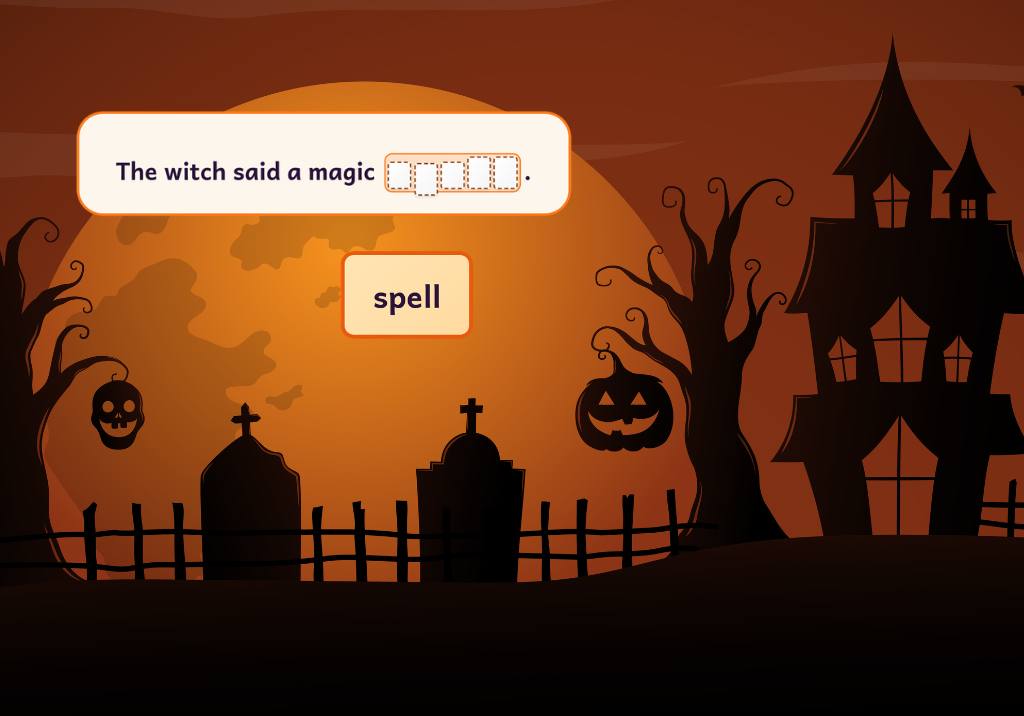
Wormly’s Sentence Builder for Beginner through grade 5
Wormly’s Sentence Builder turns sentence practice into a spooky dig. Wormly has dug up a sentence and scrambled the words in the dirt. Children steer Wormly to the words, or just tap them, and put them in order to build a sentence. At grades 2 to 5 the boxes can also name the kind of word or the part of the sentence that belongs there, so children practice grammar as they build.
 Preview
How Wormly’s Sentence Builder works
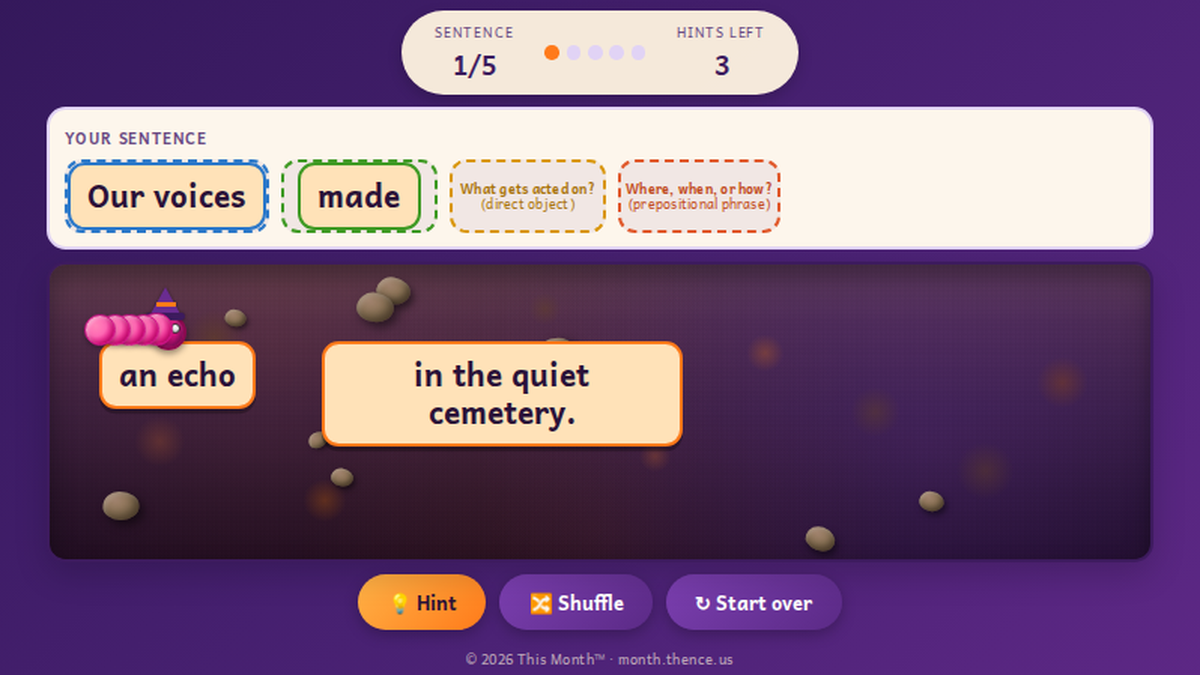
Each round has five sentences. The words wait in the dirt field. Children drag Wormly into a word, or use the arrow keys on a computer, and the word hops into the next box above. They can also tap a word to collect it. Then they arrange the words: drag a word to a different box, or tap a placed word to send it back to the dirt. When the last box fills, the sentence checks itself. Words in the right place turn green, and words in the wrong place turn orange, so children know exactly what to move. A correct sentence earns a cheer from Wormly and a prompt to read it out loud.
Four levels from Beginner to grade 5
Sentence length grows with each level:
- Beginner: very short sentences of three to six words, such as “The bat sat.” and “A bat hid in the web.” Little pictures hint at the nouns and verbs.
- Grades K-1: sentences of five to nine words, such as “The wolf howled at the moon.”
- Grades 2-3: sentences of eight to fourteen words, with a Boxes setting that adds grammar help in the boxes.
- Grades 4-5: sentences of seven to fifteen words, with a Boxes setting that turns phrases into tiles.
Grammar help in the boxes, grades 2-3
At grades 2 and 3 the Boxes setting has three choices. Plain is just arranging the words, which suits grade 2. Practice names the noun and verb boxes. Guided names every box: noun, verb, adjective, article, pronoun, preposition or conjunction. In Guided, a word that does not belong in a box hops back with a hint such as “This box needs a pronoun.” When a sentence is finished, its words are colored by kind, with a key, so children can see the pattern.
The parts of a sentence, grades 4-5
At grades 4 and 5 the tiles can be whole phrases, such as “a telescope” and “to watch the eclipse.” Each box is named by its job in the sentence, with a kid-friendly question first and the grammar term after: Who or what? (subject), What it does or is (verb), What gets acted on? (direct object), Where, when, or how? (prepositional phrase). The Layers setting makes it a two-step build. First children build the frame by bringing the parts of the sentence up into the boxes in order. Then they add the real phrases to each part.
Hints and reading aloud
Each round comes with 3 hints, and a hint puts the next correct word in its place. Shuffle scatters the words again, and Start over puts every word back in the dirt. Reading each finished sentence aloud tells a child whether it sounds right, and that habit carries over to their own writing.
Standards and learning goals
Teachers can match Wormly’s Sentence Builder to their standards. Georgia, North Carolina and Michigan are listed on the game’s start page, with more states on the way. The game supports sentence structure, capital letters and end marks, and, at the upper levels, parts of speech and the parts of a sentence. You can browse the full Georgia English language arts standards too.
A printable receipt for families and teachers
When a round ends, children can type a first name, or skip that step, and then print a two-part receipt. The top strip is for the child, with a cheer and the sentences they built. The bottom strip is for the teacher, with hints used, average time, first-try sentences, accuracy by kind of word or part of a sentence, a space for notes and a QR code that opens a summary page.
Tips for playing at home or in class
Ask the child to find the word that starts the sentence and the word that ends it first. Then read the whole sentence aloud before moving on. Partners can take turns, with one child steering Wormly and the other listening for whether it sounds right. At grades 2 to 5, ask children to say why a word belongs in its box.
How to play
To try Wormly’s Sentence Builder, choose Play Full Screen to open it in its own tab, then pick a level on the start page. It works on Chromebooks, tablets and computers, and there is nothing to install. The music button turns the music and sounds off, and the game works with no sound at all.
More Wormly games to try
Want more sentence practice? Try Wormly’s WordFit sentence game or Wormly’s first Halloween spelling edition. After Wormly’s Sentence Builder, children can keep practicing with the same spooky words.